Worklists
Sloane
“Hey, quick question about the job…”
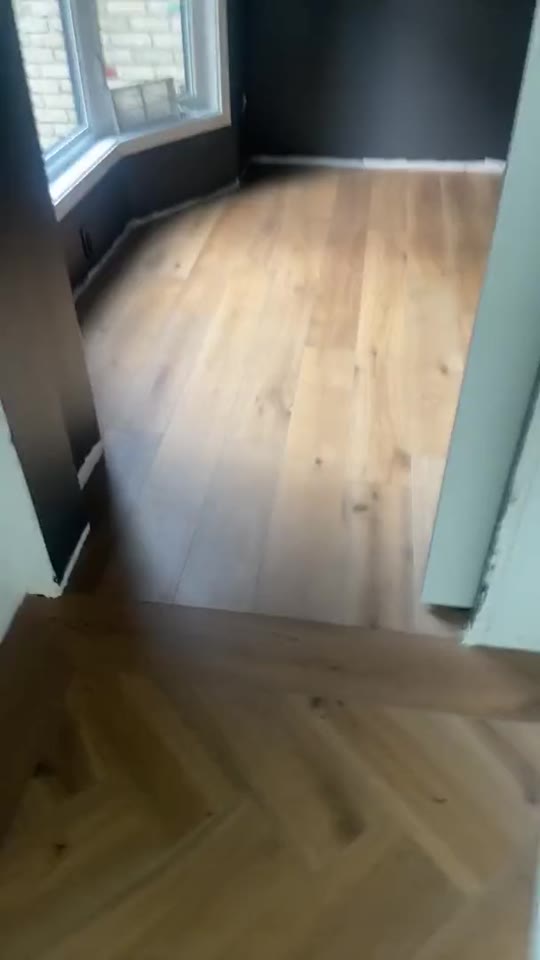
Walk the job once. You, your crew and your client know exactly what needs doing.
Sloane is an AI assistant. She writes the worklist from your walkthrough. You review it before anyone sees it.
Said on the walkthrough
These lights, they are way too bright.0:22
After the walkthrough, the instructions live in a video in a group text, a few calls, and notes someone wrote later.
You should not have to repeat the same instructions just to know what was done.
Clear when you say it. Harder after everyone leaves.
 0:00
0:00
0:00 / 1:43 · sound off
Okay, so
Each line lands at the second it was said.
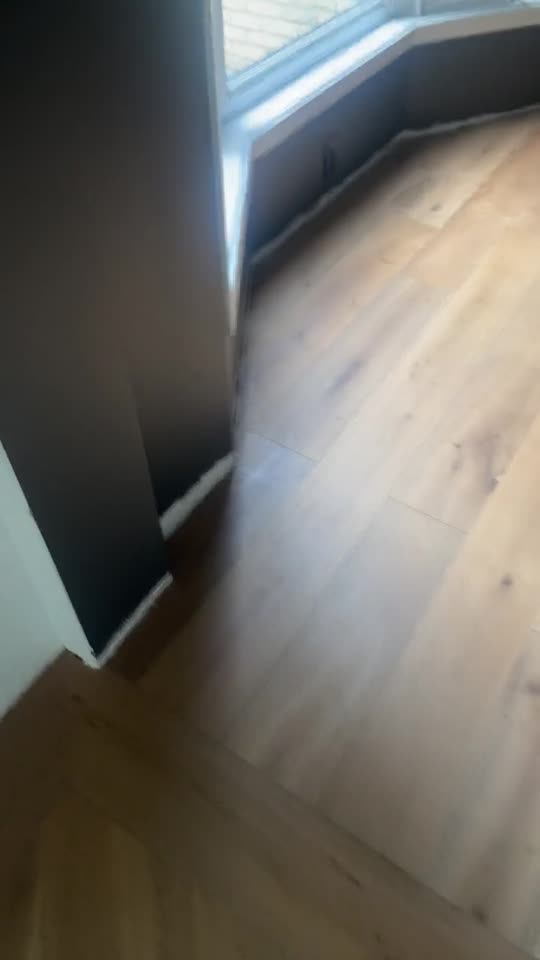
A real walkthrough and the worklist Sloane wrote from it.
Every line came from something said on the walk. Sloane adds nothing of her own.
Three ways to start a worklist.
- With a walkthrough videoFilm the space and talk about the work as you go.
- With a voice memoSay what needs doing. No camera needed.
- By typing it inWrite the lines yourself.
Already filmed it? Upload the video.
You check it before anyone sees it.
Review the worklist and make it yours. Nothing is saved or shared until you add it.
- Install baseboards in the officeFrom your walkthrough · 0:01
- Repair peeling drywall tape and paint in the officeFrom your walkthrough · 0:11
- Repair paint around the light fixture in the officeFrom your walkthrough · 0:18
10 more lines
One link for the crew.
Anyone with the link opens the worklist in their phone's browser and ticks lines off as they go. No account needed. The link works for 30 days, and you can turn it off sooner.
- Install baseboards in the officeFrom your walkthrough · 0:01
- Replace bright lights in the officeFrom your walkthrough · 0:23
- Install casing/trim around the door in the main entrywayFrom your walkthrough · 0:37
Ticks added for this page.
On any line: tick it, add a photo, a note, a voice memo or a video.
Then show it's done.
Tap "Record a video of the finished work" and the video is saved to the job.
68%of homeowners expect photo or video documentation of completed work.Housecall Pro, 2025

Show the work. Share the worklist.
$299/month
Start with SloaneLimited-time founder offer
Want Wren and Sophie as well? All three for $299/month.
Lead intake · Wren interviews new leads on your SwishWork profile. Marketing · Sophie writes and runs Facebook and Instagram ads for you. Meet the crew.
9 more lines